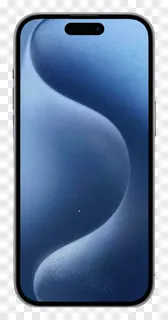
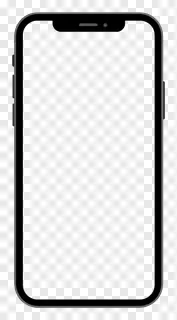
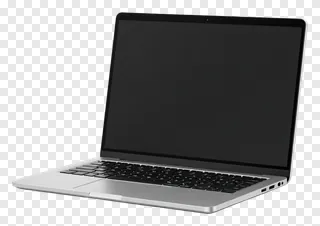
- What file format are device PNG images, and do they have a transparent background?
- They are saved as PNG files with an alpha channel, so the background is fully transparent and the edges stay smooth. You can open them in any common image or design program and they will show only the device, with no white or coloured box behind it.
- Can I use device PNG images for free, and what about commercial projects?
- Free downloads are for personal use only, such as a school project, a personal blog or a home presentation. Commercial use, including websites, adverts, products and client work, needs a commercial licence from the site. Re-hosting, re-selling or re-uploading the files is never allowed.
- How do I download and use a device PNG image?
- Open the image page and press Download to save the file to your computer. Then drag it into your design tool, slide deck or editor, or use the insert or place command. You can resize and move it freely while keeping the transparent background.
- Can I change the screen on a phone or laptop image to show my own design?
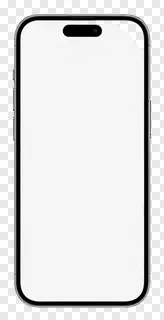
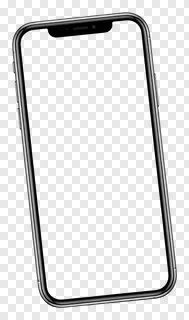
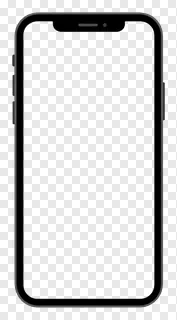
- Many device images show a blank screen, so you can place your own screenshot or artwork on a layer beneath the device and resize it to fit. The device frame then sits on top, keeping the edges and outline visible over your design.