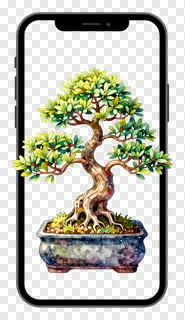
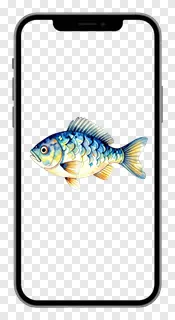
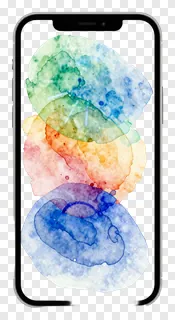
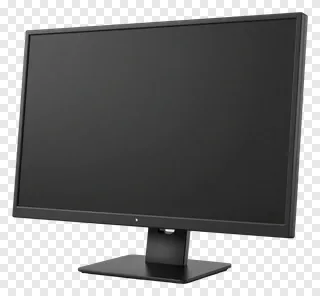
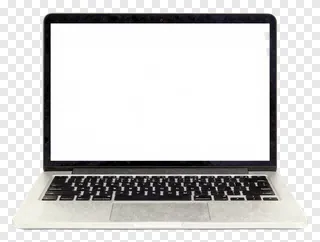
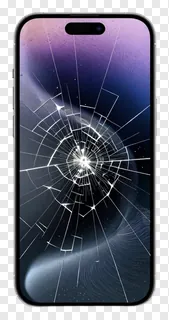
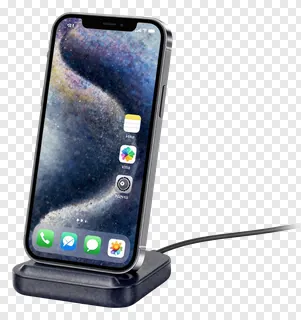
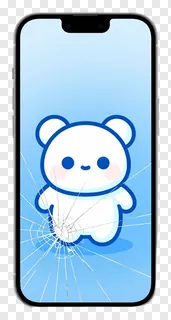
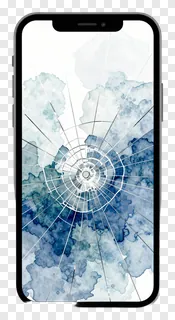
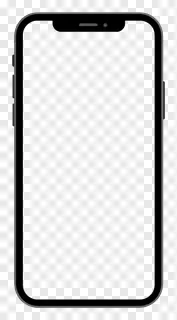
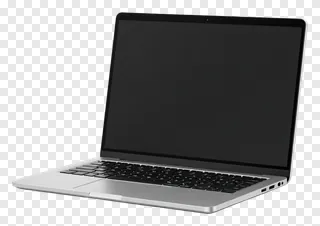
These screen PNG images feature transparent backgrounds and clean cut edges, making them easy to place on any color or photo. They show smartphones, laptops, and other devices with screens in various states — cracked, blank, charging, or displaying content. Designers, teachers, and social media creators use them for mockups, tutorials, product displays, educational slides, app previews, and digital storytelling.
You can use them for website graphics, social media posts, print materials, classroom visuals, or client presentations. They’re perfect for showing device interfaces, adding visual context, or creating custom digital scenes without background clutter.
Screen PNG images: questions and answers
- What file format are these screen PNGs and how does transparency work?
- These are PNG files with transparent backgrounds, meaning the image area is cut out cleanly. You can place them on any color or photo without a visible border. This makes them ideal for design tools and social media where background blending is needed.
- Can I use these screen PNGs for commercial projects?
- These images are free for personal and non-commercial use only. For websites, ads, products, or client work, you need a commercial license. Re-hosting, re-selling, or re-uploading the files is not allowed under any circumstances.
- How do I download and use these screen PNGs?
- Simply open the image, click Download, and save the file to your device. Then drop it into any design tool or social media editor. The transparent background will blend seamlessly with your project’s background or photo.
- Are these screen PNGs suitable for showing app interfaces or content?
- Yes, many screen PNGs show blank or content-filled displays, making them great for app previews, UI demos, or educational visuals. You can overlay text or graphics on the screen area to simulate real device interfaces or digital content.