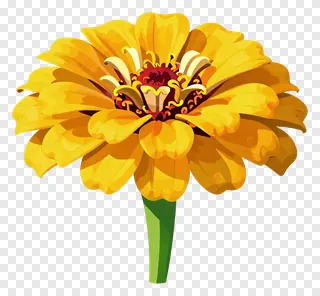
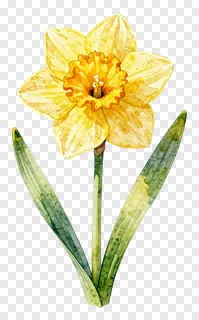
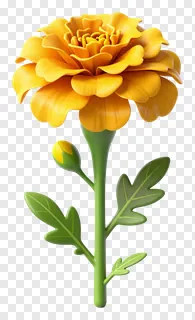
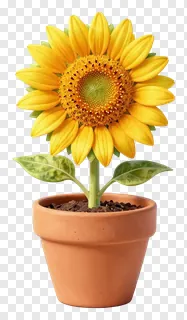
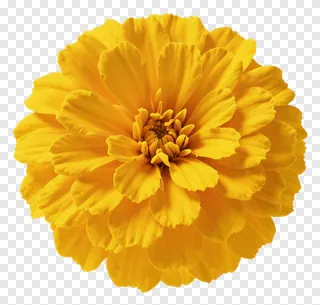
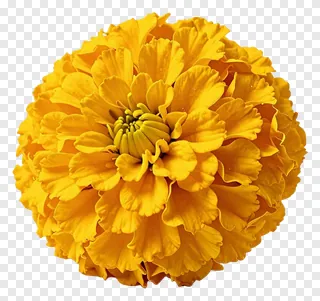
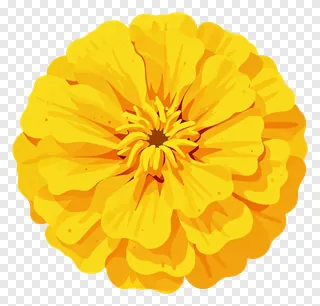
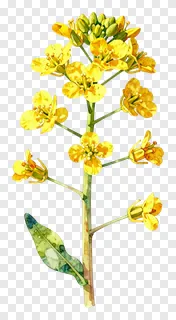
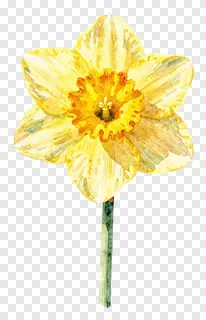
- What file format are these yellow flower PNG images, and do they have a transparent background?
- Each image is saved as a PNG file with an alpha channel, so the background is fully transparent rather than white. The edges are cut cleanly around the petals and stems, which lets you layer the flower over colored backgrounds, textures or photos without any leftover box.
- Are the yellow flower PNG images free to use for commercial projects?
- They are free for personal use only, such as a private card, a home craft or a classroom handout that is not sold. Commercial use, including websites, adverts, products or client work, needs a commercial licence from the site. Re-hosting, re-selling or re-uploading the files is never allowed.
- How do I download and use a yellow flower PNG?
- Open the image page, then press Download to save the file to your device. Drop the PNG into any design tool, presentation or editor, and resize or move it as needed. Keep the transparent background intact by not flattening the file before placing it.
- Can I change the color of a yellow flower PNG or use it as a different shade?
- Yes, you can adjust hue, saturation and brightness in most design tools to turn a yellow bloom into orange, pale cream or another shade. Because the background is transparent, recoloring only affects the flower itself. For very strong changes, a light tint often looks more natural than a full recolor.