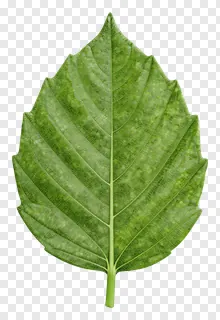
- What file format are veined PNG images and do they have transparent backgrounds?
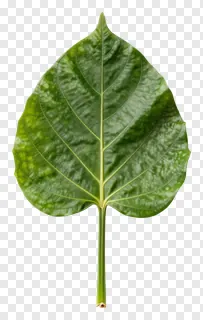
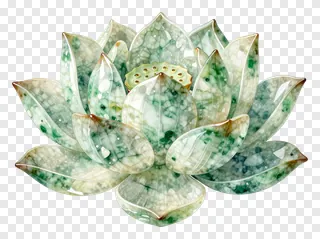
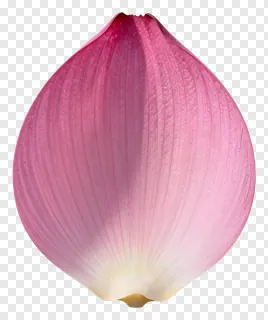
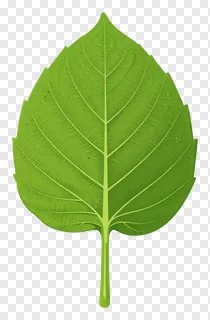
- Veined PNG images are saved in PNG format, which supports transparency. The background is removed, so the leaf or petal sits on a see-through layer and the edges stay crisp when placed over other colours or photos.
- Are veined PNG images free to use for commercial projects?
- The free files are for personal use only, such as home projects, journals or private gifts. Commercial use, including websites, adverts, products and client work, needs a commercial licence from the site. Re-hosting, re-selling or re-uploading the files is never allowed, whatever licence you hold.
- How do I download a veined PNG and add it to my design?
- Open the image you like and press the Download button to save the PNG to your device. Then drag or import the file into any design tool and place it on your layout. You can resize or rotate it as needed, though very large enlargements may look soft.
- Can I change the colours of a veined PNG image?
- Veined PNG images come with their colours fixed in the file, but most design tools let you change them. Apply a hue or colour adjustment to the image layer to shift the leaf or vein tones to suit your palette.