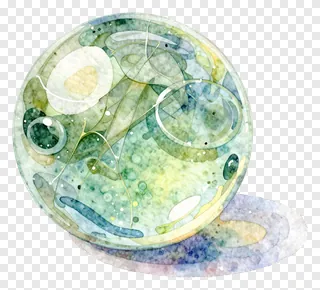
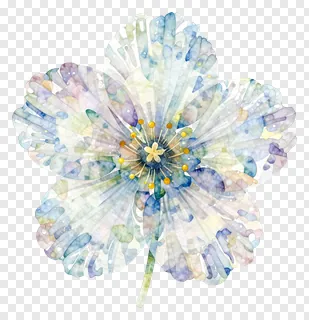
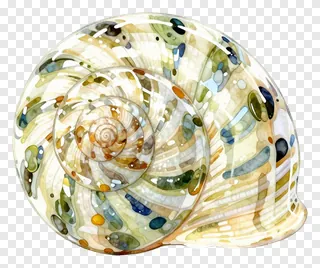
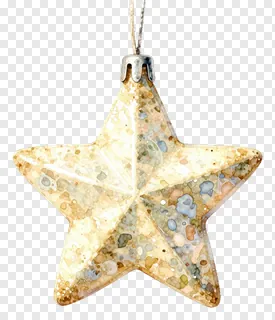
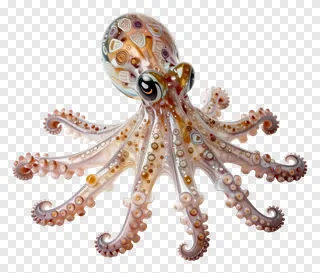
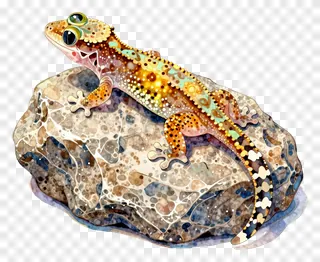
These translucent PNG images feature transparent backgrounds and clean, crisp edges, making them easy to layer over any color or photo without messy borders. They look soft, glowing, or subtly see-through, perfect for adding depth or delicate details to your projects. Use them for social media graphics, classroom visuals, shop window displays, product mockups, digital invitations, or layered art projects.
Designers can blend them with backgrounds, teachers can overlay them on lesson slides, small shops can use them for window decals, and creators can layer them in social media posts or digital collages. They’re ideal for adding subtle elegance, magical effects, or natural textures without clashing with your main design.
Translucent PNG images: questions and answers
- What does translucent PNG mean?
- Translucent PNGs have transparent backgrounds, so they blend seamlessly into any color or photo. The edges are clean and cut precisely, letting you place them anywhere without visible borders or shadows.
- Can I use these for commercial projects?
- These images are free for personal use only. For websites, ads, products, or client work, you need a commercial license. Re-hosting, re-selling, or re-uploading the files is not allowed under any circumstances.
- How do I download and use them?
- Open the image page, click Download, and save the file. Then drop it into any design tool or social media editor. They’re ready to use right away with no extra editing needed.
- Are translucent PNGs suitable for layered designs?
- Yes, they’re perfect for layered designs because their transparent backgrounds let you stack them over photos, colors, or other graphics without blocking or distorting the underlying elements.