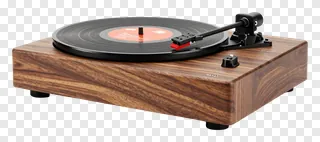
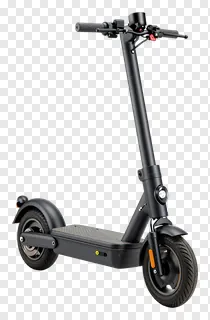
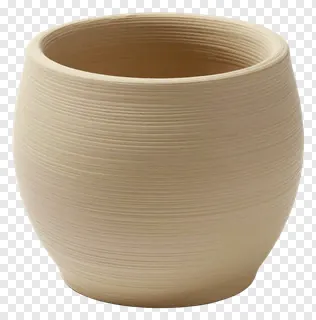
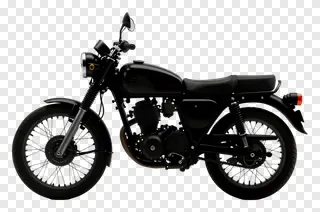
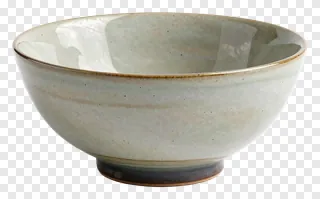
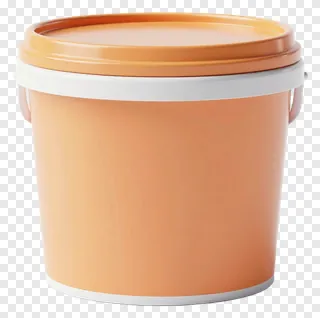
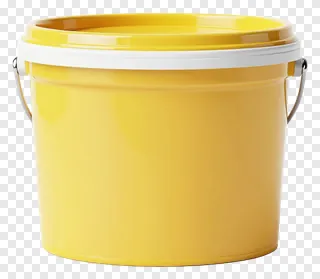
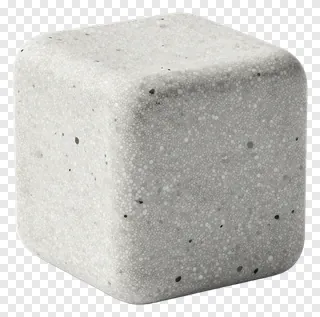
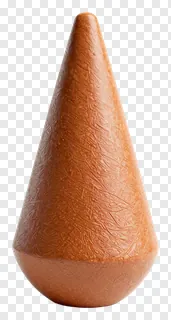
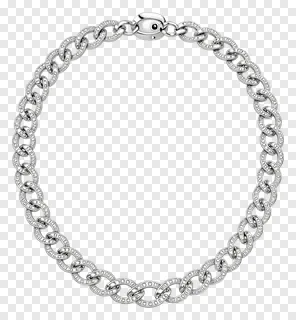
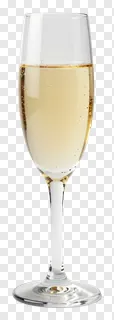
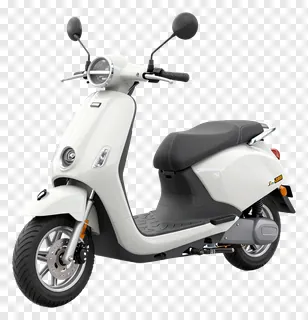
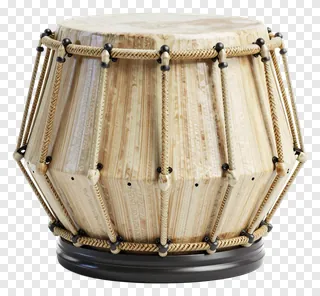
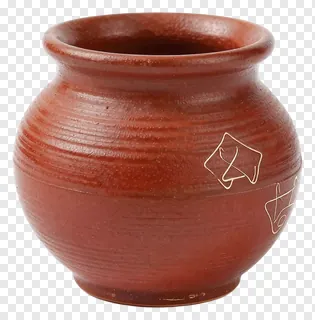
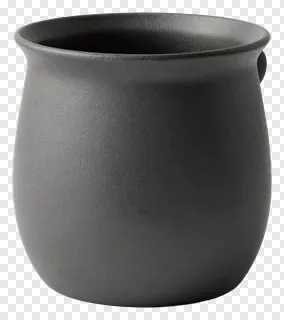
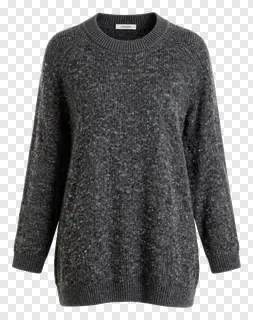
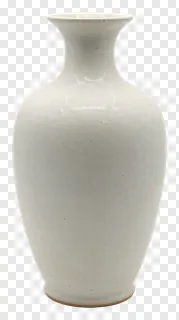
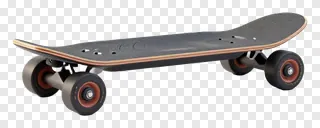
These studio shot PNG images feature clean, isolated objects with transparent backgrounds, perfect for designers, teachers, and social media creators. Each image has crisp edges and no distracting backgrounds, making them easy to place on any color or photo. Use them for product mockups, educational materials, social media posts, website graphics, print designs, or digital presentations.
You can layer them over photos, create flat lay compositions, design packaging, build social media ads, or add visual interest to presentations. They’re ideal for quick edits and professional-looking results without complex editing.
Studio Shot PNG images: questions and answers
- What file format are these studio shot PNGs and how does transparency work?
- These are PNG files with transparent backgrounds, meaning the object appears isolated on any color or photo you place it on. The transparency lets you blend them seamlessly into your designs without visible edges or shadows.
- Can I use these studio shot PNGs for commercial projects?
- These images are free for personal and non-commercial use only. For websites, ads, products, or client work, you need a commercial license. Re-hosting, re-selling, or re-uploading the files is not allowed under any circumstances.
- How do I download and use these studio shot PNGs?
- Simply open the image, click Download, and save it to your device. Then drop the file into any design tool or social media editor. They’re ready to use right away with no extra editing needed.
- Why are these called 'studio shot' PNGs?
- They’re photographed in a controlled studio environment with even lighting and clean backgrounds. This ensures consistent, professional quality and makes them ideal for precise placement in any design or presentation.