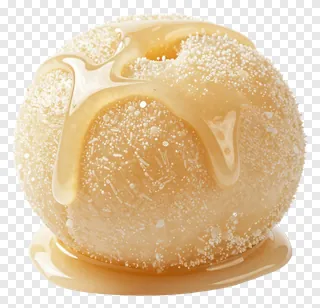
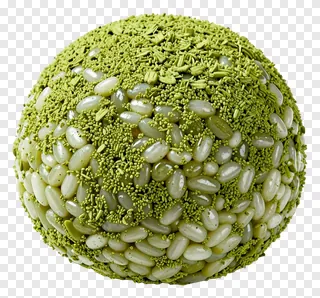
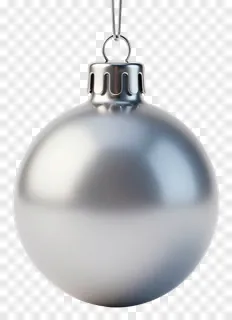
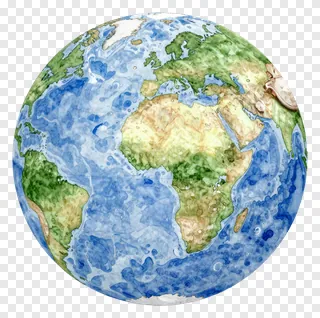
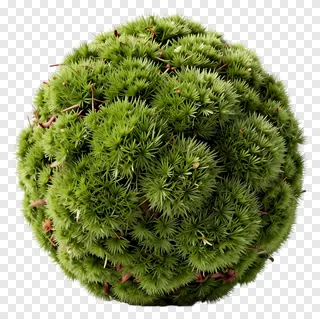
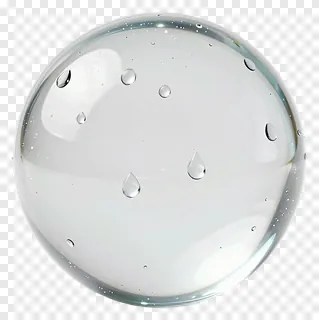
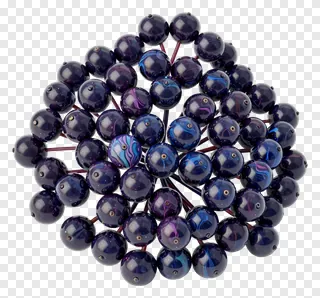
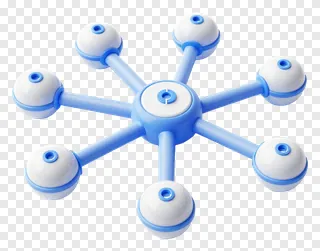
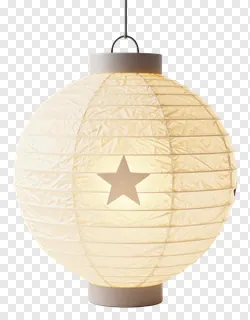
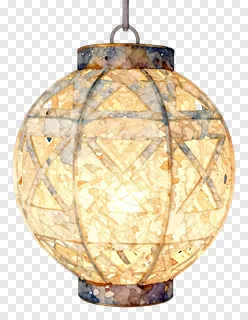
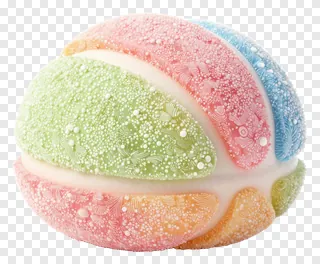
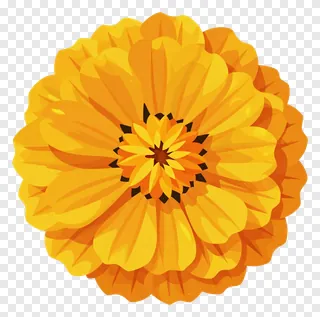
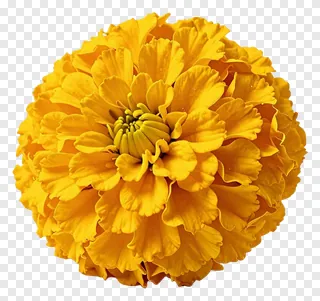
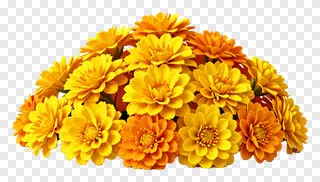
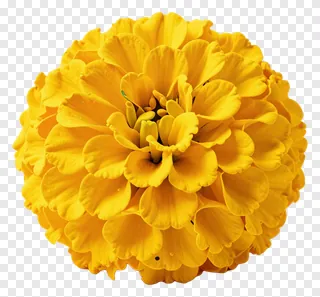
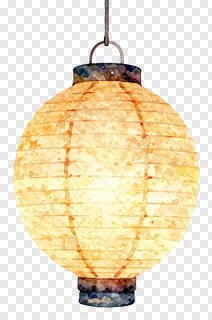
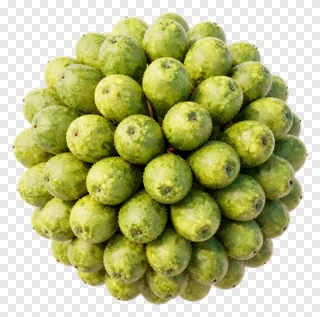
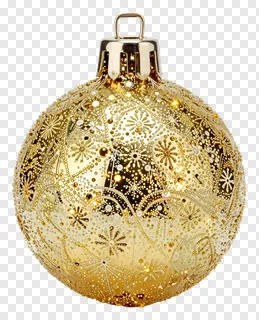
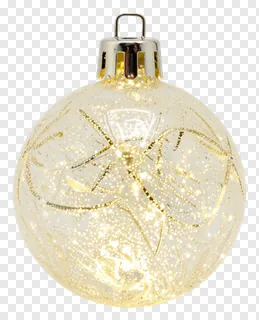
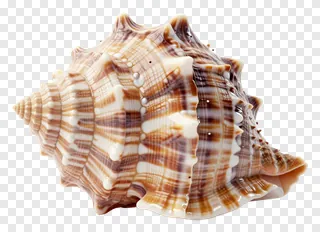
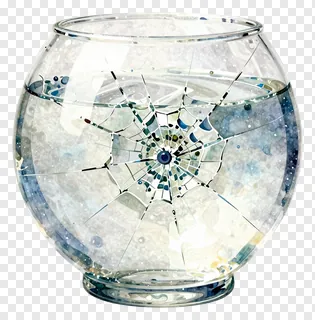
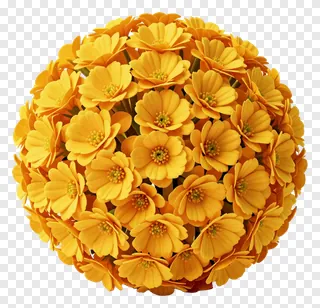
These spherical PNG images feature perfectly round shapes with transparent backgrounds, clean cut edges, and no distracting borders. They’re ideal for adding festive ornaments, fruit clusters, glass orbs, or floral spheres to any design without blending into the background. You can place them on photos, websites, social media posts, or print materials with ease.
Use them for holiday decorations, product mockups, educational diagrams, social media graphics, or crafting projects. They work well as icons, embellishments, or standalone elements in digital and print work. Just drop them into your design tools and layer them over any color or image.
Spherical PNG images: questions and answers
- What file format are these spherical PNGs and how does transparency work?
- These are PNG files with transparent backgrounds, meaning they appear as cut-out shapes without any visible border. You can place them over any color or photo without worrying about edges bleeding or showing a background color.
- Can I use these spherical PNGs for commercial projects?
- These images are free for personal and non-commercial use only. For websites, ads, products, or client work, you need a commercial license. Re-hosting, re-selling, or re-uploading the files is not allowed under any circumstances.
- How do I download and use these spherical PNGs?
- Simply open the image, click Download, and save it to your device. Then open any design tool like Photoshop, Canva, or Illustrator and drag the file into your project. The transparent background will blend seamlessly with your design.
- Are these spherical PNGs suitable for 3D or animation projects?
- Yes, they’re great for 3D scenes or animations because their clean edges and transparent backgrounds allow them to layer naturally over other elements. Just ensure your software supports PNG transparency and adjust lighting or shadows as needed for depth.