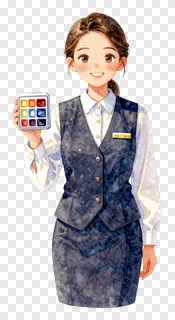
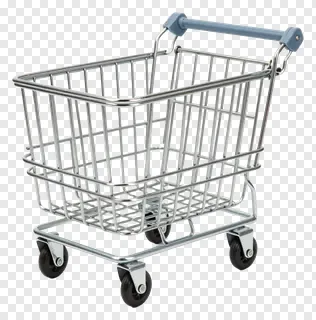
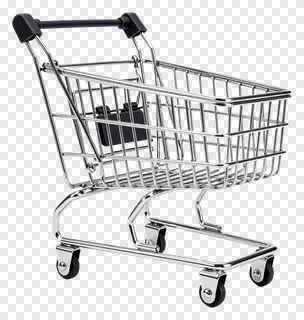
Retail PNG images are cut-out illustrations and photos of shops and shopping-related items, such as shopping carts, paper bags, cash registers, and shop assistants. Each file has a transparent background, so the subject sits on its own with clean, smooth edges. You can place it on any colour, pattern or photograph without a white box around it.
Designers, teachers, small shops and social media creators use them to build promotional posters, classroom materials, product mockups, store announcements and eye-catching posts. Useful examples include a flyer for a weekend sale, a lesson about money and shopping, a welcome banner for a storefront, or a story graphic that highlights a new product range.
Retail PNG images: questions and answers
- What file format are retail PNG images, and do they really have a transparent background?
- Each image is saved as a PNG file, a format that supports transparency. The background is fully see-through rather than white, so the edges stay crisp when you place the image over a coloured panel or a photo. Most design tools open PNG files directly.
- Can I use these images for commercial work?
- Free downloads are fine for personal projects such as a school poster or a birthday card. Commercial use, including websites, adverts, products or client work, needs a commercial licence from the site. Re-hosting, re-selling or re-uploading the files is never allowed.
- How do I download and use a retail PNG image?
- Open the image page and press the Download button to save the file to your computer. Then drag the file into your design tool, or use the insert or import option. You can resize and move it freely, and the transparent background will stay intact.
- Which retail images work best for a sale or promotion?
- Shopping carts, paper bags and cash register drawers suit sale posters and promotions, while shopkeeper characters work well for welcome messages and customer service posts. Pick images whose colours suit your project, and adjust the hue in most design tools if needed.