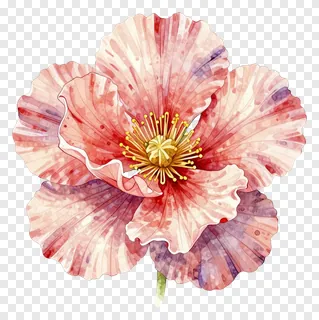
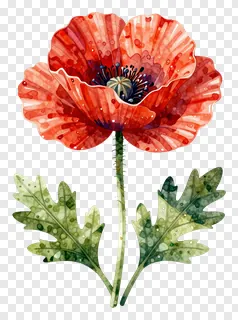
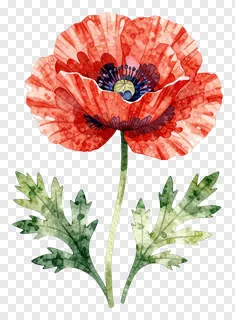
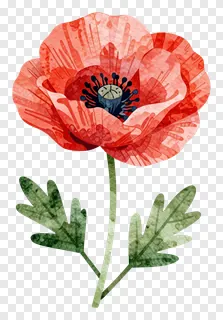
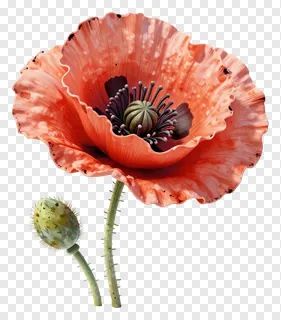
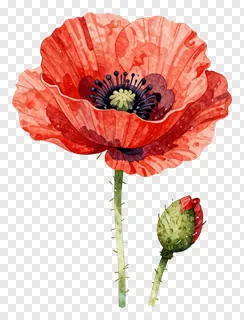
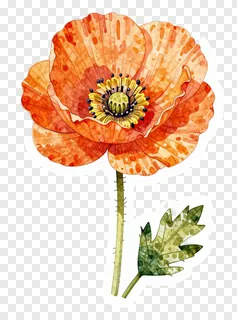
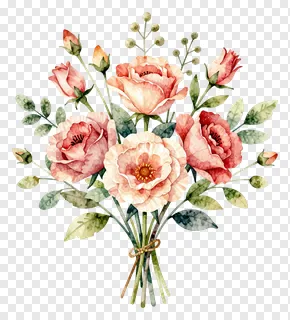
- What file format are these poppy images and do they have a transparent background?
- The images are saved as PNG files with a transparent background, so the area around the poppy is see-through rather than white. This lets you place the flower on top of other colors, patterns or photos without a visible box around it. The edges are cut cleanly, which helps the image blend smoothly into your design.
- Can I use these poppy PNG images for free?
- Free downloads are licensed for personal use, such as home crafts, private journals or personal social media posts. Commercial use, including websites, ads, products or client work, requires a commercial license from the site. Re-hosting, re-selling or re-uploading the files is never allowed, so check the license before using them in a business project.
- How do I download and use a poppy PNG?
- Open the image you like and press the Download button to save the file to your device. Then drag it into your design tool, or use the insert or place option, and resize or move it as needed. Because the background is transparent, it will sit cleanly over any color or photo.
- Can I combine poppy PNGs or change their colors?
- Yes, you can combine several poppy PNGs into a bouquet or layer them with buds and leaves to build a larger arrangement. Most design tools can also adjust brightness or color, though heavy recoloring may look less natural on watercolor styles.