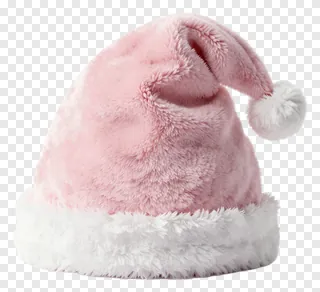
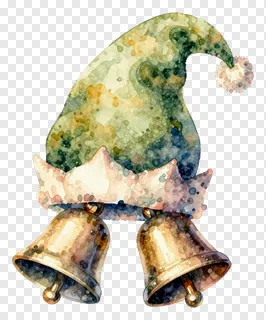
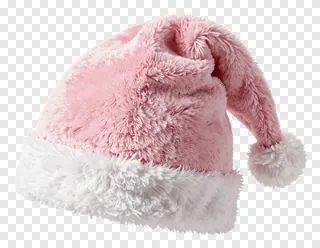
- What file format are pom-pom PNG images, and do they have a transparent background?
- Yes. Each image is saved as a PNG file with a transparent background, so only the pom-pom itself is visible. The soft edges stay clean when you place it on a colored page, a photo or a textured background. You can resize it in most design tools without losing clarity.
- Can I use these pom-pom images for free?
- Free downloads are licensed for personal use, such as greeting cards, home projects and personal social media posts. Commercial use, including websites, adverts, products or client work, requires a commercial licence from the site. Re-hosting, re-selling or re-uploading the files is never allowed.
- How do I download and use a pom-pom PNG?
- Open the image you like and press the Download button. Once the file is saved, drag it into any design tool, document or presentation, or open it in your photo editor. You can then move, resize and rotate it as needed.
- Can I change the color of a pom-pom to match my project?
- Yes. Most image editors and design tools let you change the hue or saturation of a PNG layer, so you can match a pom-pom to your brand or theme colors. For the most natural look, keep color shifts gentle and check the result against both light and dark backgrounds.