- What file format do macro PNG images use, and how does the transparency work?
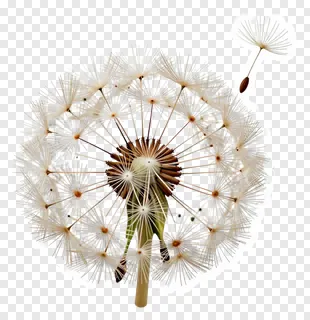
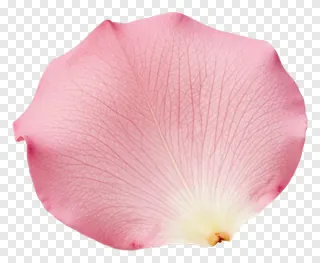
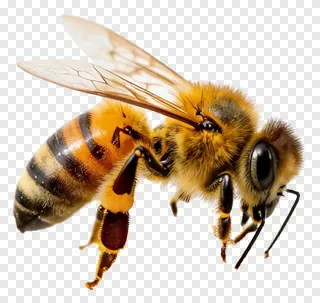
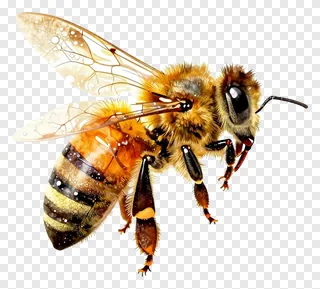
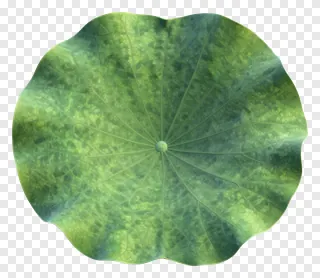
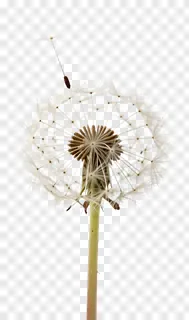
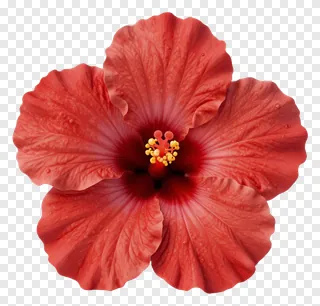
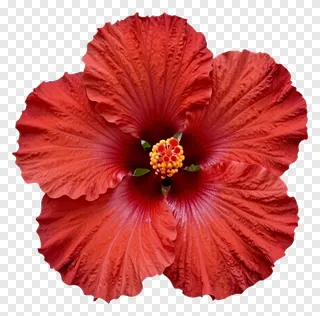
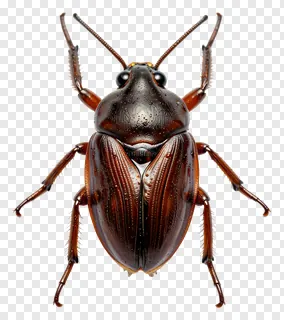
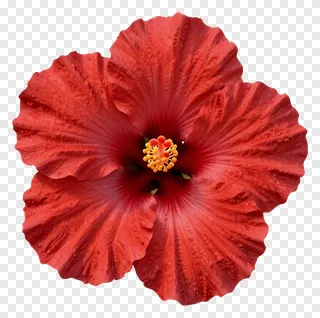
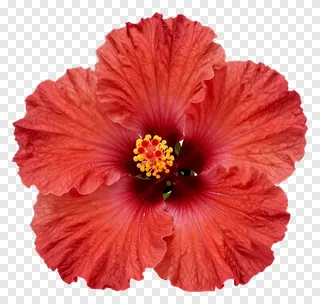
- Each image is a PNG file, a format that supports transparent backgrounds. The transparent areas let whatever sits underneath show through, so only the flower, leaf or insect is visible. Soft edges and shadows stay intact, which makes the images ideal for layering.
- Are macro PNG images free to use for commercial projects?
- Free downloads are for personal use, such as a home project, school activity or personal social media post. Commercial use, including websites, adverts, products or client work, requires a commercial license from the site. Re-hosting, re-selling or re-uploading the files is never allowed.
- How do I download and use a macro PNG image?
- Open the image page and press Download to save the PNG to your device. Then drag or import the file into any design tool, or into a presentation or social media editor. Resize and position it as needed, and it will keep its transparent background.
- Will a macro PNG look sharp when I enlarge it for a poster?
- Macro images are usually shot at high resolution, so they print well at moderate sizes. Check the pixel dimensions shown on the image page before you enlarge it. Very large prints may show softness, so use the largest available file for posters or banners.