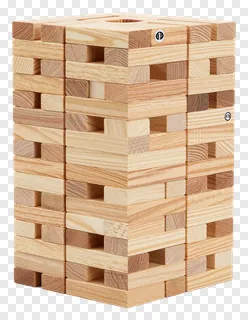
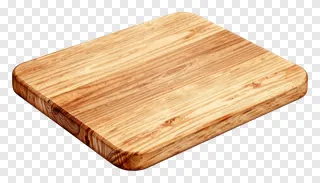
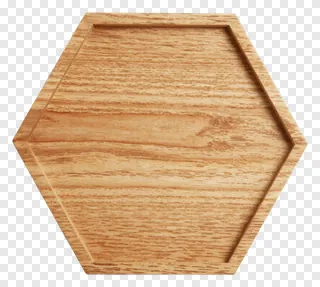
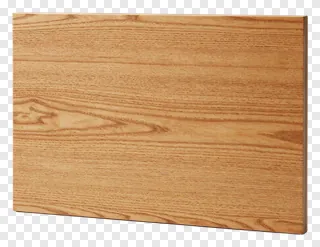
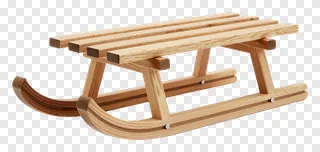
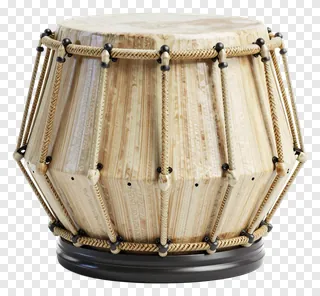
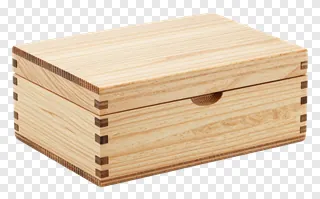
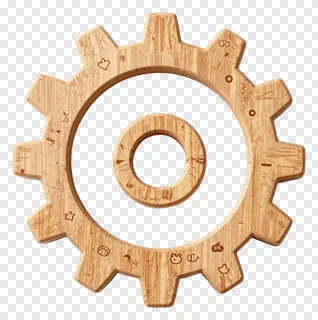
- What file format are light wood PNG images, and do they have a transparent background?
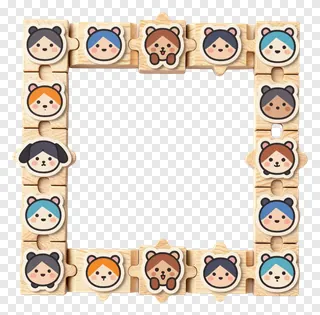
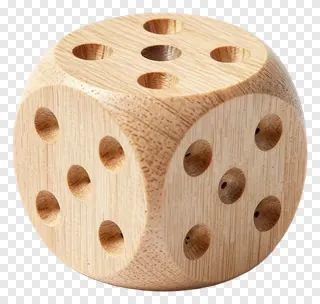
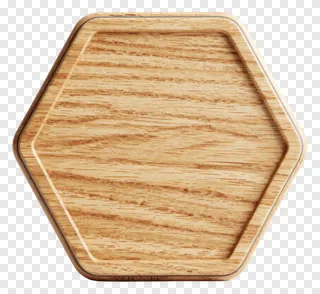
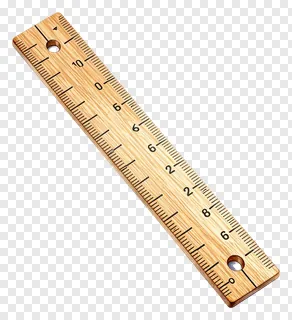
- Light wood images are saved as PNG files, a format that supports transparency. The background is fully transparent, so you will see the checkerboard pattern in most viewers, and only the wooden object itself is visible. This lets you layer it over any background without a box around it.
- Can I use these images for free, and do I need a licence for commercial work?
- Free downloads are for personal use only, such as a hobby project, a personal blog or a home craft. Commercial use, including websites, adverts, products and client work, needs a commercial licence from the site. Re-hosting, re-selling or re-uploading the files is never allowed, under any licence.
- How do I download a light wood PNG and add it to my design?
- Open the image page and press the Download button to save the file to your device. Then drag the PNG into your design tool, or use its import or place option. The transparent background will carry over, so you can resize and position the wood as needed.
- Will light wood images look right on dark backgrounds?
- Yes, pale wood stands out well on dark or saturated backgrounds, which makes it a good choice for bold posters and moody photos. On very light or white backgrounds, the wood can blend in, so a subtle shadow or a slightly darker backdrop helps it stay visible.