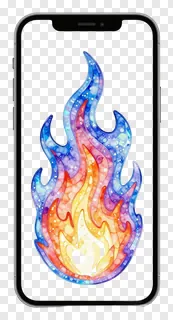
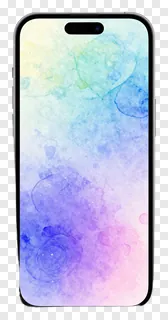
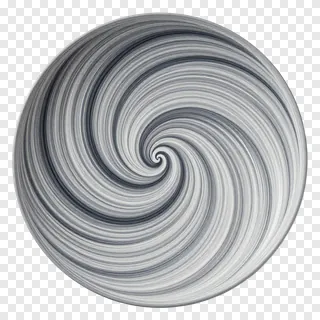
- What file format are these gradient PNGs and how does transparency work?
- These are PNG files, which support transparent backgrounds. When you place them in your design, the transparent areas disappear, leaving only the gradient image visible. This lets you layer them over any color or photo without color clashes or visible borders.
- Can I use these gradient PNGs for commercial projects?
- These images are free for personal and non-commercial use only. If you’re using them for websites, ads, products, or client work, you need a commercial license. Always check the site’s license terms before using them in paid or public-facing projects.
- How do I download and use these gradient PNGs?
- Simply open the image you like, click the Download button, and save it to your computer. Then open any design tool like Photoshop, Canva, or Figma, and drag the file into your project. The transparent background will blend naturally with your design.
- Are gradient PNGs suitable for digital backgrounds or overlays?
- Yes, gradient PNGs work beautifully as overlays or subtle backgrounds. Their transparent edges let them sit behind text or images without blocking content. Use them to add depth, mood, or visual interest without overwhelming your design.