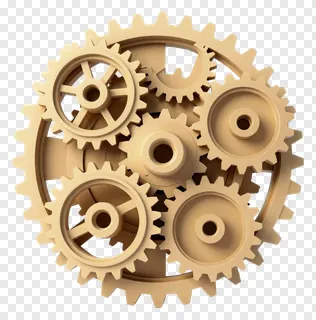
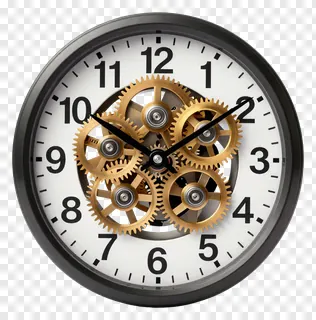
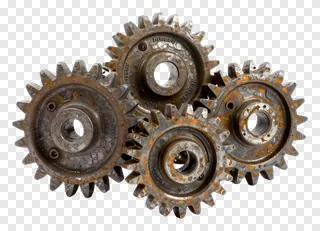
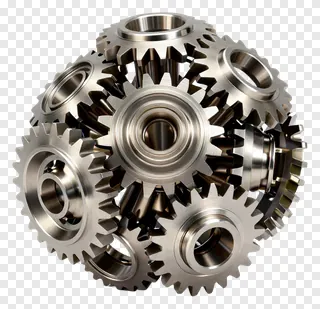
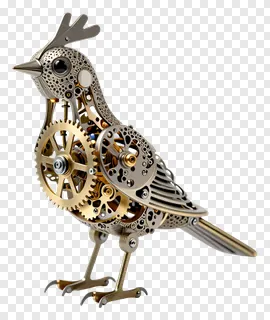
- What file format are gears PNG images saved in, and how does the transparency work?
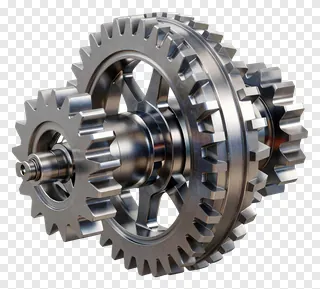
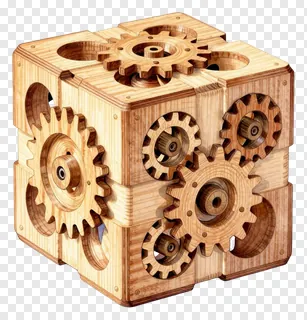
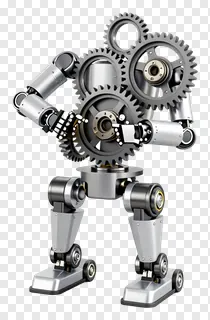
- Each gear is saved as a PNG file, a format that supports full transparency with a clear background around the artwork. Edges are smoothed so the gear blends into the page or photo beneath without a visible box. Open the file in most image or design software to confirm the transparent area.
- Are gears PNG images free to use for personal and commercial projects?
- Free downloads are licensed for personal use, such as a school project, a home craft or a private social media post. Commercial use, including websites, adverts, products and client work, needs a commercial licence from the site. Re-hosting, re-selling or re-uploading the files is never allowed.
- How do I download gears PNG images and use them in my design?
- Open the image you like, then press the Download button to save the file to your device. Drag the PNG into your design tool, or use the import option to place it on your canvas. You can then resize, rotate or recolour it as needed.
- Can I change the colour of a gear PNG or combine several gears in one layout?
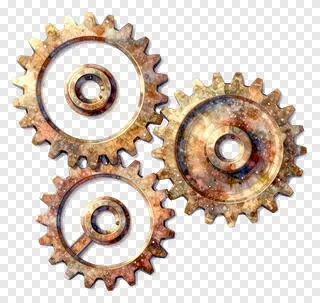
- Yes, many gear images are flat or simply shaded, so you can recolour them in a design tool to match a brand palette or theme. Overlap several gears to build a mechanism, and keep the transparent background so they interlock cleanly with your text and photos.