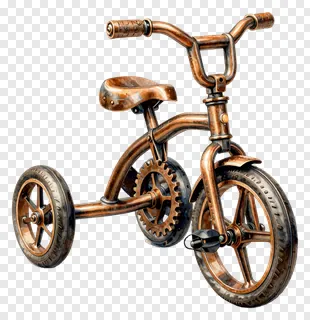
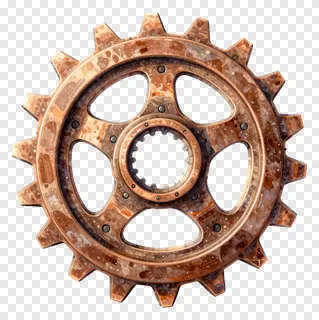
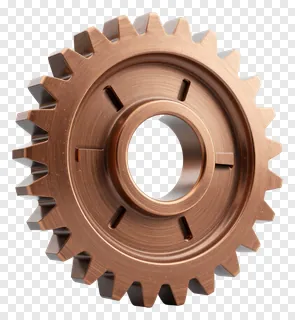
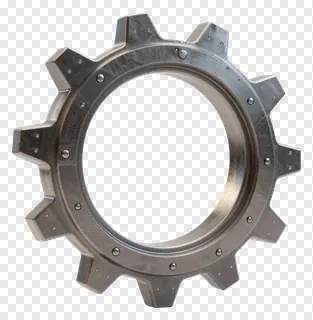
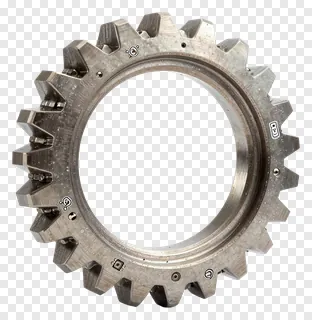
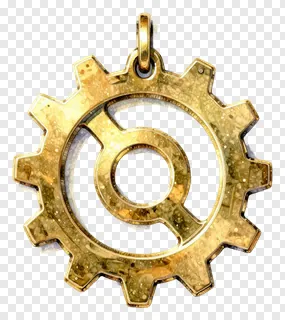
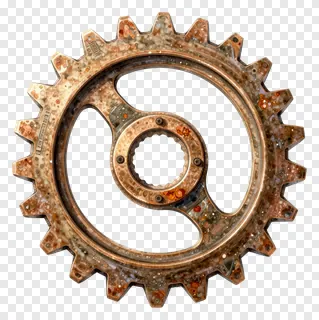
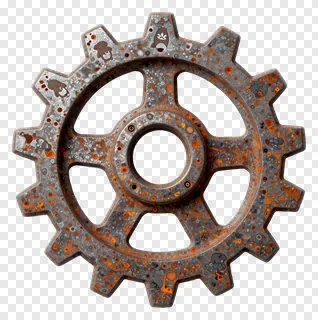
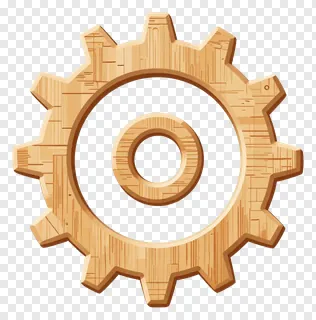
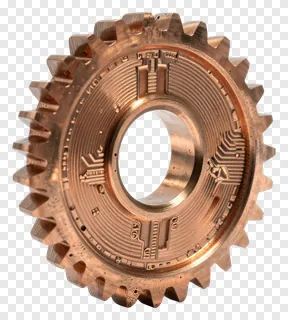
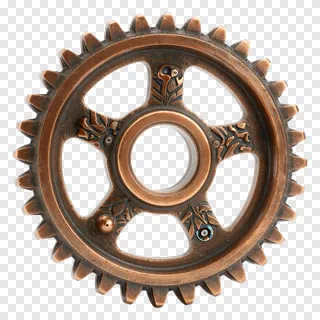
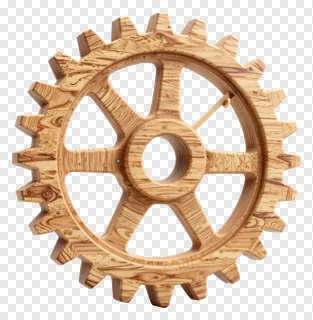
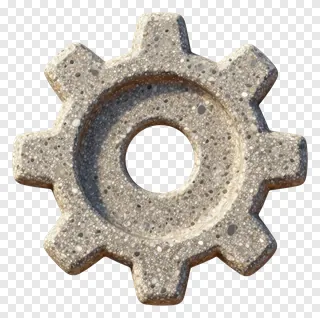
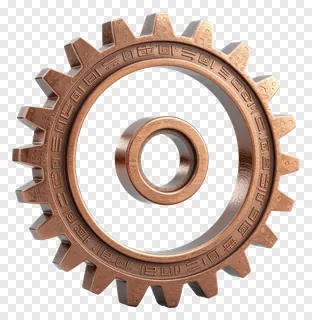
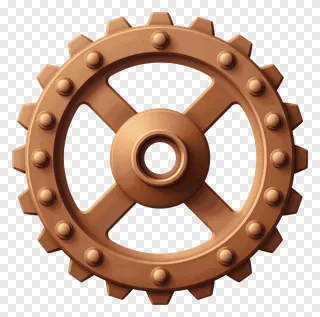
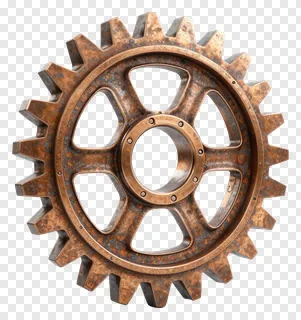
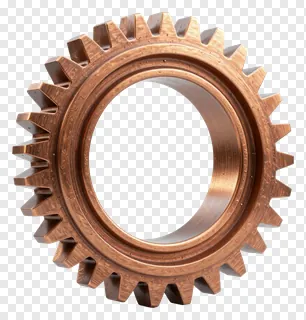
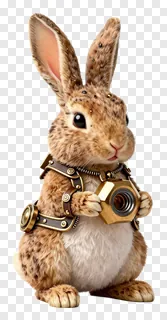
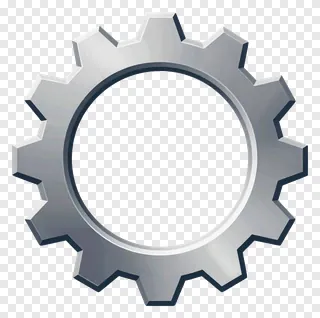
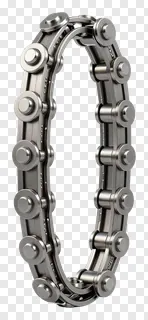
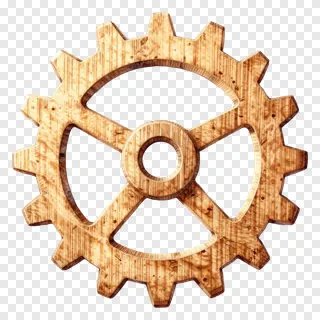
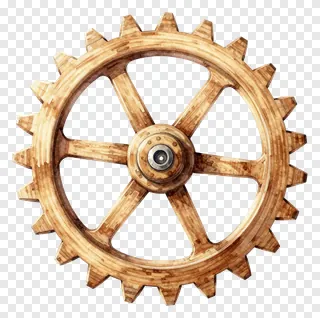
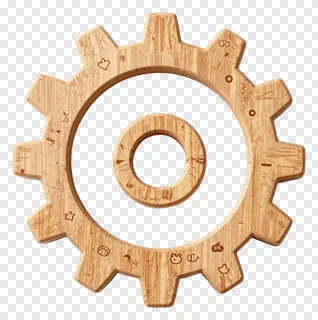
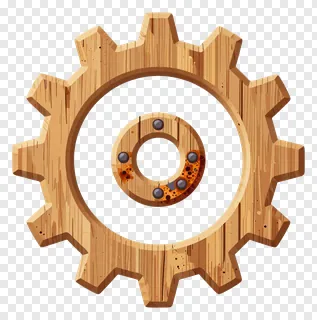
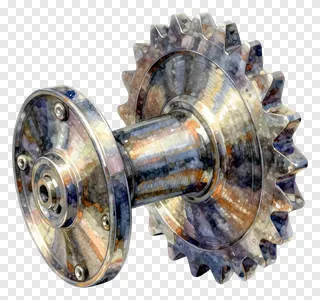
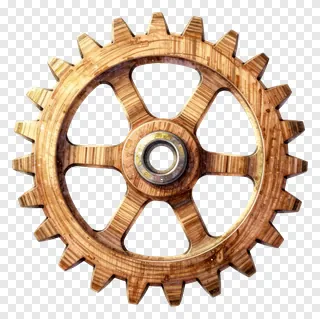
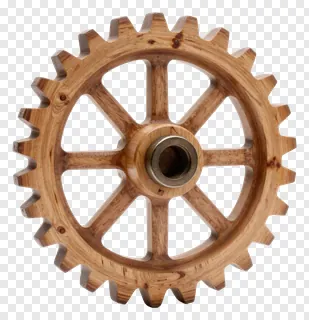
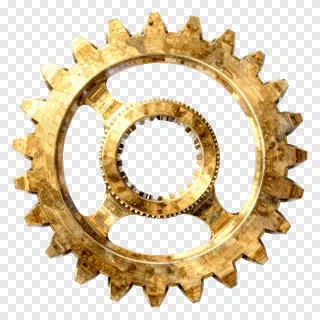
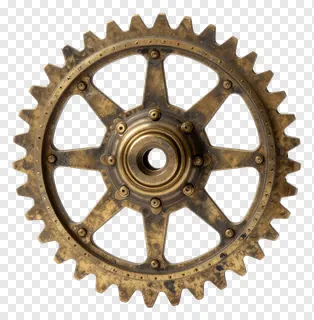
These gear PNG images feature transparent backgrounds and clean cut edges, making them easy to place on any color or photo without visible borders. Each gear is designed for instant use in digital projects, whether you’re building websites, creating social media graphics, designing educational materials, or crafting product visuals. They’re perfect for mechanical themes, vintage aesthetics, UI elements, or decorative accents in creative work.
Use them in logos, app interfaces, classroom posters, product mockups, game assets, or social media banners. Add motion effects, layer over photos, or combine with other icons. Ideal for teachers, small shops, and designers needing quick, high-quality gear visuals without complex editing.
Gear PNG images: questions and answers
- What file format are these gear PNGs and how does transparency work?
- Each image is a PNG file with a transparent background, meaning the gear appears as if floating on any color or photo. This lets you place it anywhere without visible edges or shadows. Design tools and social media platforms handle transparency seamlessly.
- Can I use these gear PNGs for commercial projects?
- These images are free for personal and non-commercial use only. For websites, ads, products, or client work, you need a commercial license. Re-hosting, re-selling, or re-uploading the files is not allowed under any circumstances.
- How do I download and use these gear PNGs?
- Open the image you like, click Download, and save it to your device. Then open any design tool or social media editor and drag the file into your project. The transparent background will blend naturally with your content.
- Are these gear PNGs suitable for animations or motion graphics?
- Yes, many gear PNGs work well in animations due to their clean edges and transparent backgrounds. You can layer them over video or static images, add spin or movement effects, and they’ll integrate smoothly without visual glitches or artifacts.