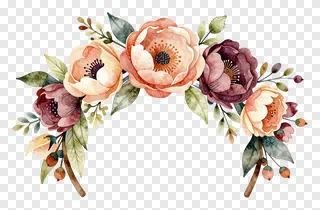
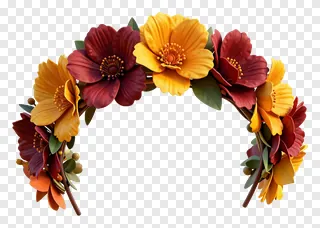
- What file format are flower crown PNG images and do they have a transparent background?
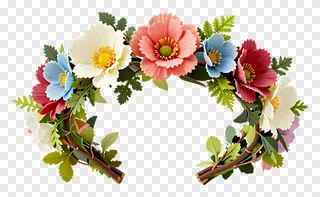
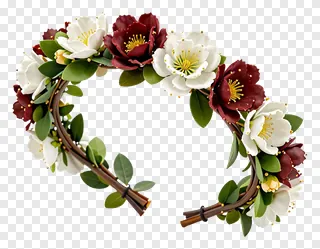
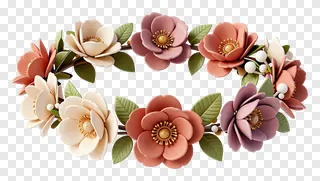
- They are saved as PNG files, a format that supports transparency, so the background is see-through rather than white. This lets you layer the crown over coloured backgrounds, textures or photos. Most design tools open PNG files directly.
- Are flower crown PNG images free to use for commercial projects?
- Personal use is covered, but commercial use such as websites, adverts, products or client work needs a commercial licence from the site, so check its terms first. Re-hosting, re-selling or re-uploading the files is never allowed, whatever licence you hold.
- How do I download a flower crown PNG and use it in my design?
- Open the image page and press the Download button to save the file to your device. Then drag the PNG into your design tool, such as a document, slide or editing app, and resize or move it into place. Check the licence before any commercial use.
- Can I place a flower crown PNG on a photo of a person or pet?
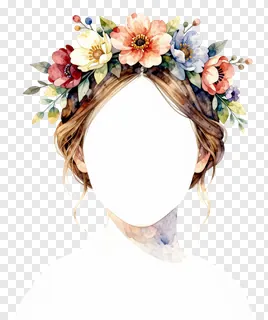
- Yes. Drop the PNG onto the photo as a new layer, then resize and position it over the head so the stems sit naturally. Rotate it slightly to match the head's angle and use a soft mask if the edges need blending into the photo.