- What file format are daisy PNG images and do they have a transparent background?
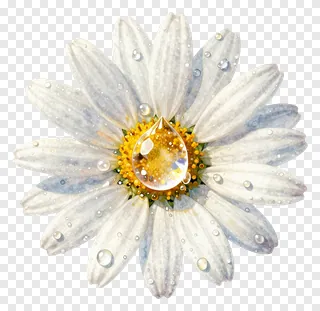
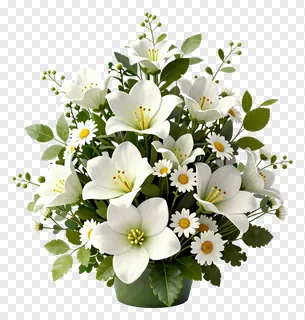
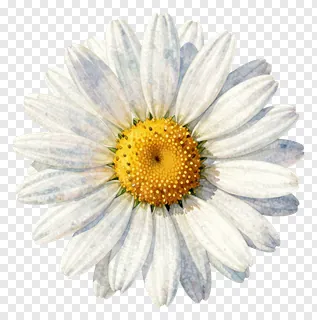
- Daisy images are saved as PNG files, a format that supports transparency. The areas around the flower are see-through rather than white, so the design sits cleanly on top of any background. Edges are cut neatly to avoid a halo.
- Are daisy PNG images free to use for commercial projects?
- Free downloads are generally intended for personal use, such as home crafts, school projects, and personal social media posts. Commercial use, including websites, adverts, products, or client work, requires a commercial licence from the site. Re-hosting, re-selling, or re-uploading the files is never allowed.
- How do I download a daisy PNG and add it to my design?
- Open the image you like and press the Download button to save the file to your device. Then drop the PNG into any design tool, such as a slide deck, photo editor, or page layout program, and resize or move it as needed.
- Will a daisy PNG look good on a white or colored background?
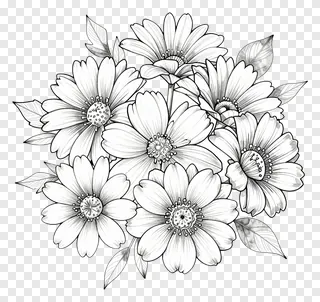
- Yes, the transparent background lets a daisy sit on white, pastel, dark, or busy photo backgrounds without a box around it. Watercolor and line art daisies look especially good layered over paper textures or colored panels. Check the image preview first to see how the petals contrast with your background.