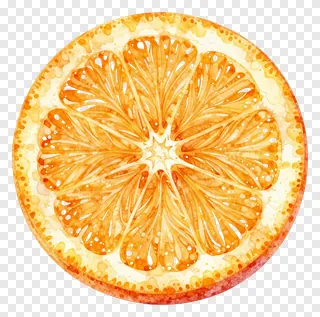
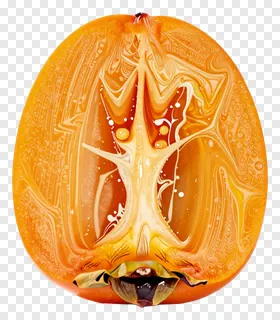
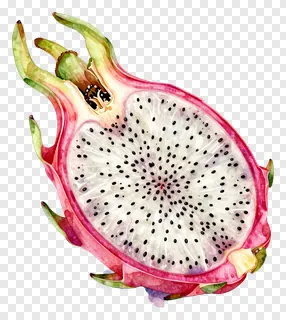
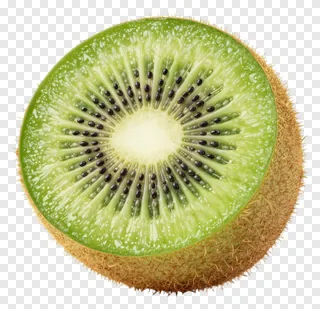
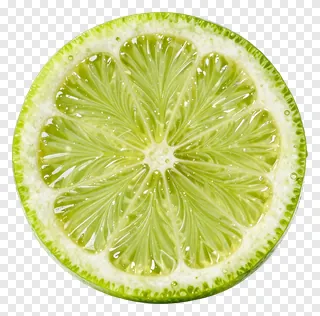
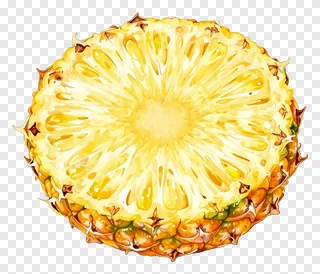
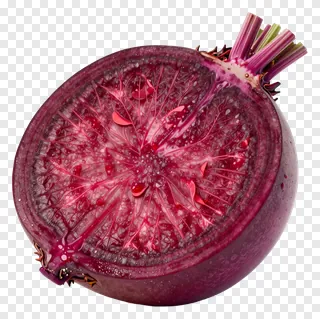
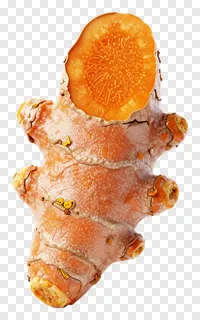
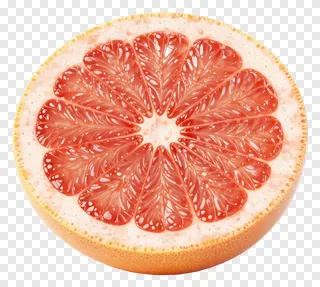
- What file format are these images and do they have a transparent background?
- Each image is a PNG file with a transparent background, so the area around the subject is see-through rather than white. This lets you place the slice over any solid color, gradient or photo while keeping crisp edges. PNG files also keep fine details such as seeds and fibers sharp when resized.
- Can I use these images for free?
- Free use covers personal projects such as home printables, school work and private social posts. Commercial use, including websites, adverts, products or client work, needs a commercial licence from the site. Re-hosting, re-selling or re-uploading the files is never allowed.
- How do I download and use an image?
- Open the image you like, then press the Download button to save the PNG to your device. Drag the file into any design tool or insert it like any other picture. Because the background is transparent, you can layer it over other elements right away.
- Will the cut face stay easy to see on a dark or busy background?
- Yes, but choose a backdrop that contrasts with the flesh color so the inside of the slice stays readable. Light and dark backgrounds both work well for most slices. A soft drop shadow can help the slice stand out on busy designs.