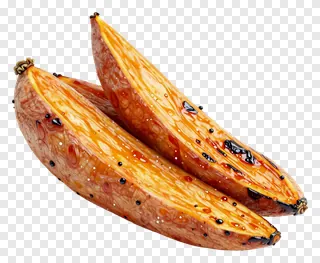
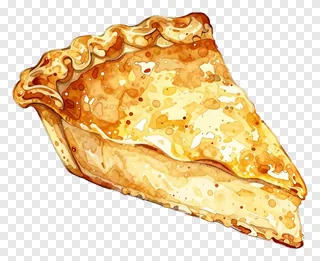
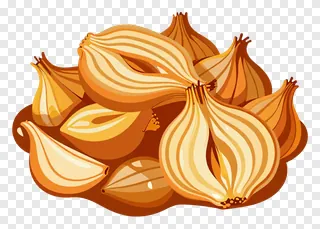
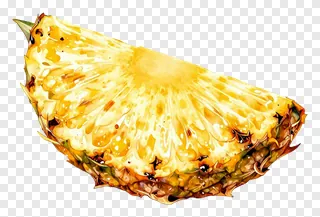
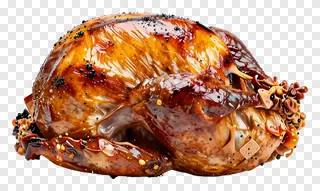
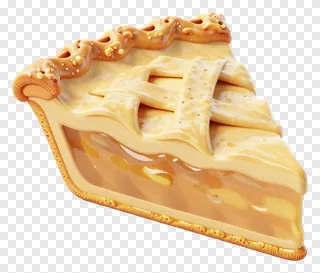
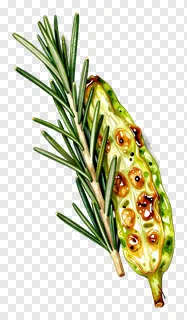
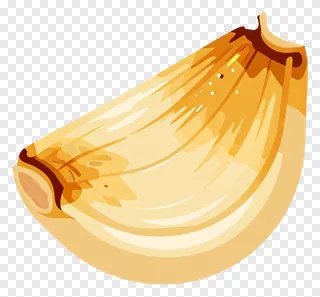
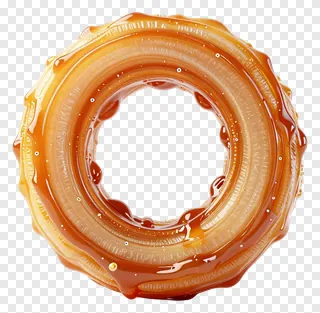
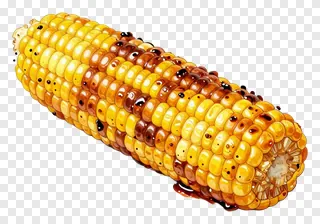
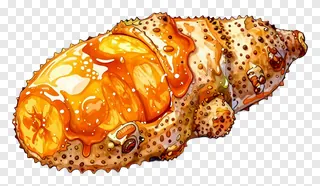
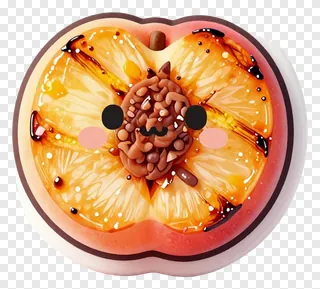
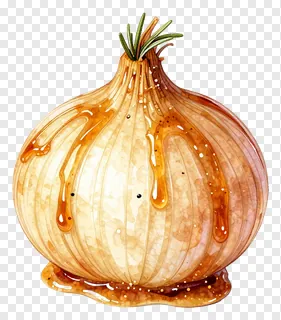
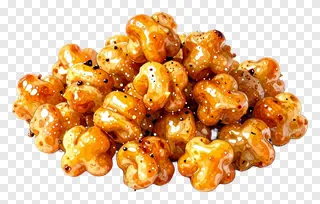
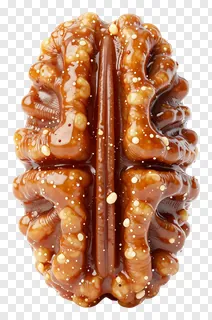
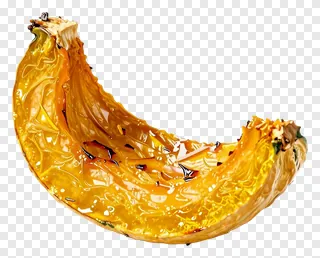
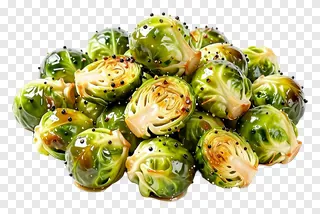
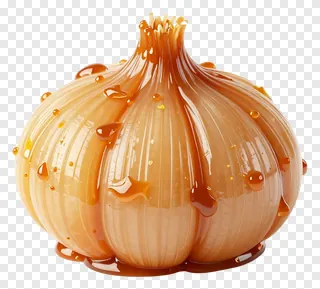
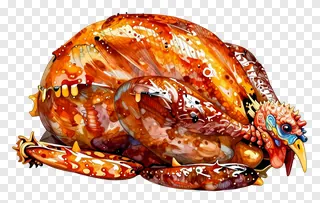
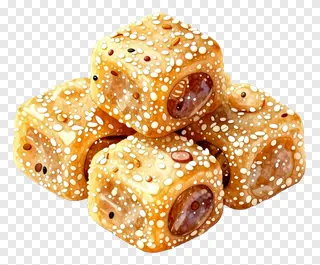
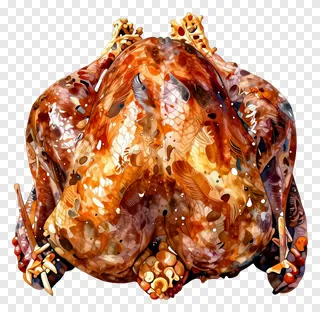
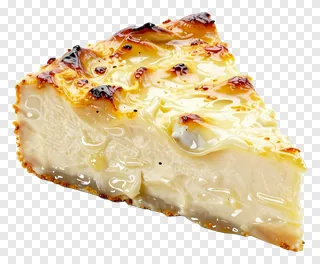
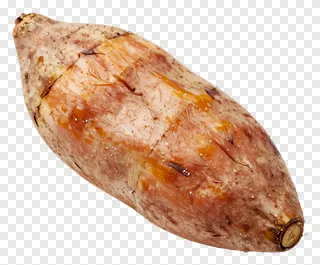
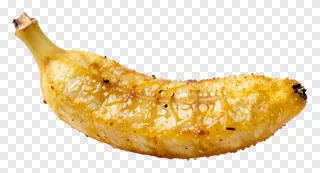
- What file format are these caramelized PNGs and how do they work with transparency?
- Each image is a PNG file with a transparent background, meaning it blends seamlessly into any color or photo. You can use them in design tools without worrying about awkward edges or background clashes. Just drop them into your project and adjust size or position as needed.
- Can I use these caramelized PNGs for commercial projects?
- These images are free for personal and non-commercial use only. For websites, ads, products, or client work, you need a commercial license. Re-hosting, re-selling, or re-uploading the files is not allowed under any circumstances.
- How do I download and use these caramelized PNGs?
- Simply open the image you like, click Download, and save it to your device. Then open any design tool or social media editor and drag the file into your project. Resize or rotate as needed without losing quality or transparency.
- Are these caramelized PNGs suitable for educational or recipe content?
- Yes, they’re perfect for teaching materials, recipe cards, or food science visuals. Their clean edges and transparent backgrounds make them easy to layer over text or photos. They add visual appeal without distracting from the educational message or recipe steps.