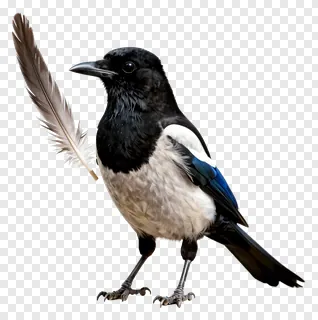
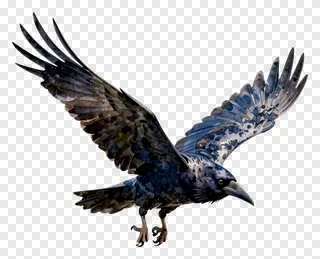
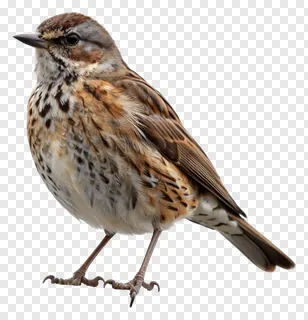
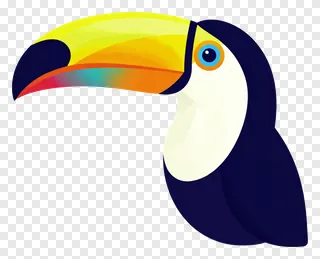
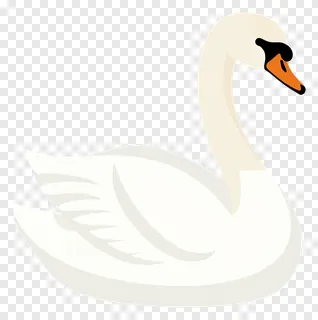
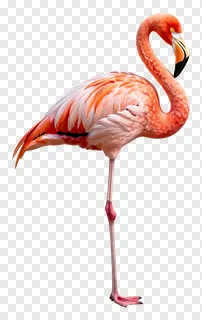
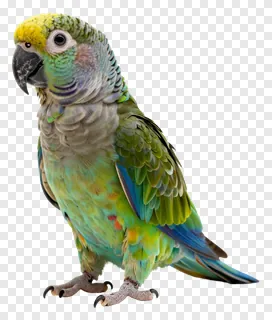
- What file format are the beak PNG images and how does the transparency work?
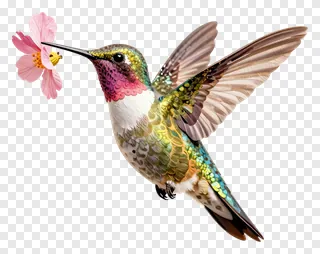
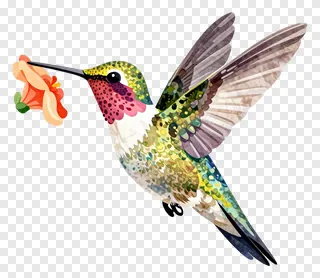
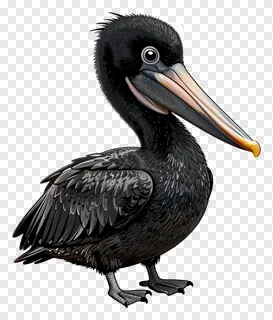
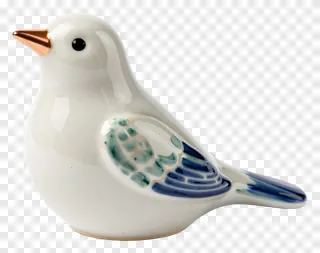
- Every image is saved as a PNG file, a format that supports full transparency. The areas around the beak are see-through rather than white, so the image blends into any background. Open the file in most design tools and it will keep its clean edges.
- Are the beak PNG images free to use for commercial projects?
- The images are free for personal use, such as school projects, hobby art and private cards. Commercial use, including websites, adverts, products and client work, needs a commercial licence from the site. Re-hosting, re-selling or re-uploading the files is never allowed, whatever licence you hold.
- How do I download the beak PNG images and use them in my design?
- Open the image you like, then press the Download button to save the PNG to your device. Drag or insert the file into any design tool, social media editor or document, and resize or move it as needed. The transparent background means it will sit neatly on top of your existing layout.
- Can I combine a beak PNG with other artwork or text?
- Yes, you can layer a beak image over other artwork, add shadows, or group it with text and shapes to create a new design. Its clean edges make it easy to place on photos, stickers and logos. Any edited design used commercially still needs the correct licence from the site.