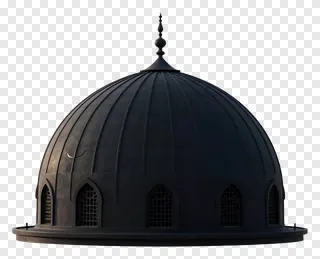
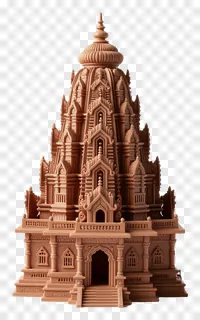
- What file format are architectural PNG images and how does the transparency work?
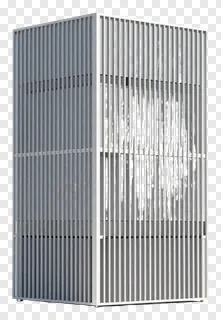
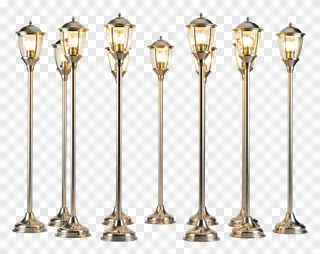
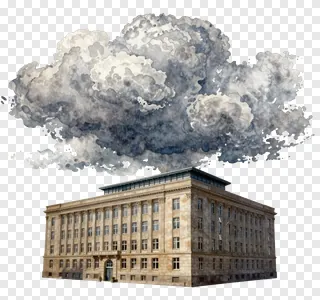
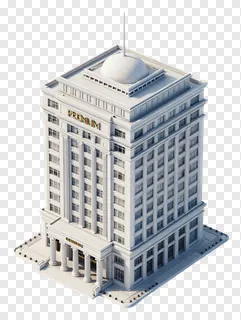
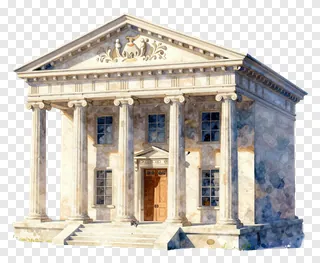
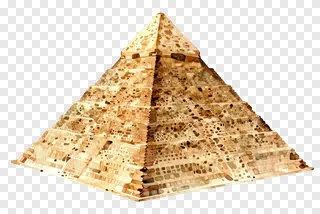
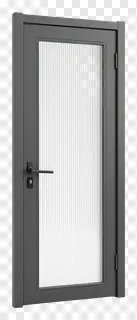
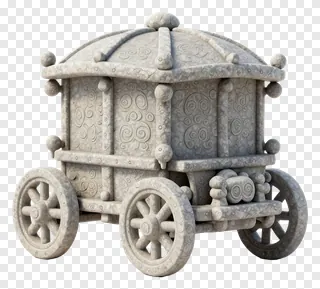
- Each image is saved as a PNG file, a format that supports a full alpha channel. The areas outside the building or structure are fully transparent, so the picture shows whatever is underneath it. Edges are smooth, which keeps the cut-out clean when placed on a coloured background.
- Can I use these images for free, and what about commercial projects?
- The images are free for personal use, such as school work, private projects and home use. Commercial use, including websites, adverts, products and client work, requires a commercial licence from the site. Re-hosting, re-selling or re-uploading the files is never allowed.
- How do I download an architectural PNG and use it in my design?
- Open the image page and press the Download button to save the file to your computer. Then drag the PNG into your design tool, or use the import command to place it on your canvas. You can resize and move it freely, and the transparent background will stay intact.
- Can I recolour or layer several architectural images to build a skyline or street scene?
- Yes, you can recolour the images, add shadows, and layer several structures together to build a skyline or street scene. Keep the original licence rules in mind when editing and sharing the result.